Stuck trying to complete your Lotus365 Blue login right now? You’re probably not here for background reading. Here’s what actually matters: how to tell a real Lotus365 Blue login page from a fake one, how to fix the errors that trip people up most, what a Blue account actually is versus a standard one, and a few safety notes worth knowing before you type in your password.
Is This the Real Lotus365 Blue Login Page? How to Verify Before You Log In
Why There Are Multiple “Official” Lotus365 Domains
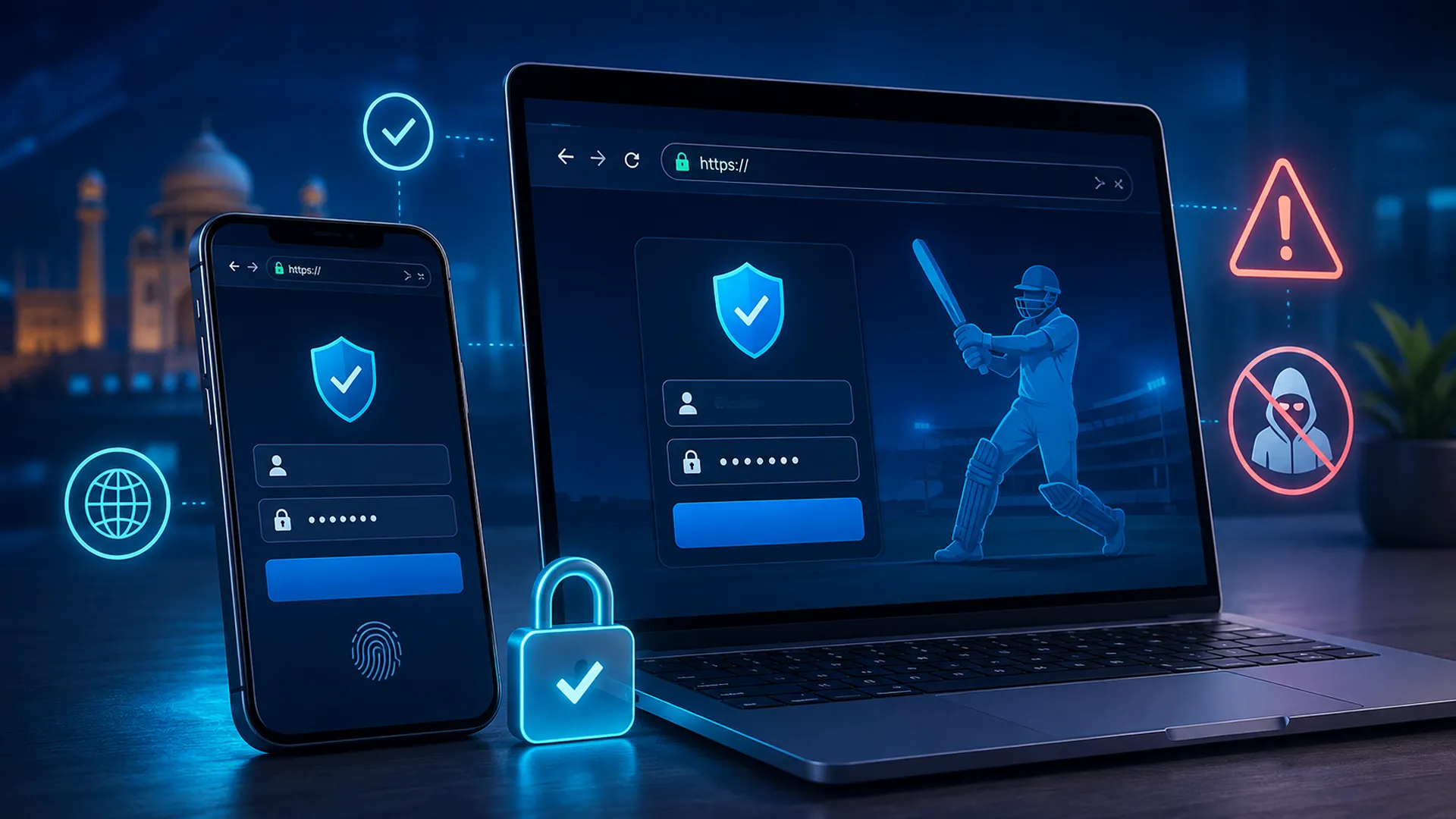
Lotus365 Blue isn’t parked at one single web address, and if you’ve noticed that while trying to find the right login page, you’re not imagining it. Betting platforms get blocked or reported fairly often, so operators keep backup domains running to stay reachable. That part’s normal. The problem is that scammers copy this exact pattern to build convincing fake pages that mimic the real Lotus365 Blue login. So seeing a domain that looks like an official mirror doesn’t tell you much on its own. You need a way to actually check it.
A Quick Domain Verification Checklist
Run through this before entering any login details:
- Look for a valid SSL certificate — the padlock icon in your browser bar, then click it to confirm the certificate is current.
- Check the spelling closely. Fake domains love extra letters, stray hyphens, or near-identical spellings that slip past a quick glance.
- Compare the branding against what you remember — logo, colors, layout. Something slightly off is worth pausing on.
- Cross-check the domain against the platform’s official social media bio, where the current working link is usually posted.
- Skip any link sent through a DM, a random Telegram group, or an unsolicited ad, even if it claims to be from “support” or an “agent.”
Lotus365 Blue Login Troubleshooting: Fix the Most Common Errors
Wrong Password or “Invalid Credentials” Error
Nine times out of ten this is something small. Check Caps Lock. Check for a stray space before or after the password field. Make sure you’re using the right username or the mobile number currently tied to your account, not an old one. If you copy-pasted the password, check nothing extra got dragged along with it. Past a couple of failed tries, stop guessing and just reset it — repeated attempts are what triggers a lock in the first place.
OTP Not Arriving
Check spam or blocked messages first if it’s an email OTP. SMS delays happen too, especially during busy periods. Make sure the number you’re using is the one actually registered on the account — easy to get wrong if you’ve switched numbers recently. Most platforms cap how many times you can request an OTP in a short window, so hammering “resend” usually backfires.

Account Temporarily Locked After Failed Attempts
This lock isn’t personal. It’s a standard anti-abuse measure meant to stop repeated or automated login attempts, and most platforms use some version of it. The cooldown is usually short. If it’s dragged on far longer than expected, that’s when to contact support instead of keep retrying — retrying just resets the clock in some cases.
App Won’t Open or Crashes on Login
Usually an outdated build. Because the app isn’t on the Play Store, it doesn’t auto-update the way most apps do, so you might be running an older version without realizing it. Check storage permissions are switched on. If it’s still crashing, uninstall it and reinstall the latest APK straight from the official site.
Browser Login Page Not Loading / Cache Issues
Clear your cache and cookies, then reload. An incognito window is the fastest way to rule out a cache problem entirely. If the page still won’t load after that, the issue is more likely on your ISP’s end than the site’s.
Region-Blocked or ISP Restricted Access
Some providers restrict access to betting sites depending on where you are. If the site loads on mobile data but not your home Wi-Fi, or the other way around, that’s usually ISP-level blocking, not an account issue.
How to Complete the Lotus365 Blue Login (Step-by-Step)
Desktop Login Steps
- Go to the verified official domain (see the checklist above).
- Find the Login button, top-right of the homepage.
[Screenshot: homepage with Login button highlighted] - Enter your registered username or mobile number and password.
- Complete OTP verification if it’s requested.
- Click Sign In.
[Screenshot: login form filled in]
Mobile App Login Steps
- Open the Lotus365 Blue app.
- Tap Login on the home screen.
[Screenshot: app login screen] - Enter your credentials, or use biometric login if you’ve already set it up.
- Confirm OTP if prompted.
- You’ll land on your dashboard.
[Screenshot: dashboard after successful login]
First-Time Login / New Account Setup
No account yet? You’ll need to register first — the Lotus365 Blue login page won’t work for you until that’s done. Registration usually just needs your mobile number plus a short verification step.
What Is Lotus365 Blue, Really? Blue vs. Standard Account
Most guides throw around the word “premium” without saying what it actually means, which is honestly one of the more useless habits in this niche. A Blue account isn’t something everyone gets by default. It’s typically reached through an account upgrade, hitting an activity threshold, an invite, or being assigned one by an agent — the exact path depends on the platform’s current setup. It’s not a fresh sign-up from scratch. It sits on top of an existing Lotus365 account.
| Feature | Standard Lotus365 | Lotus365 Blue |
|---|---|---|
| Account access | Open signup | Upgrade / invite-based |
| Betting limits | Standard | Higher |
| Support | General | Dedicated account manager |
| Bonuses/markets | Standard | Exclusive |
| How to confirm status | — | Badge/dashboard check after login |
After logging in, check your dashboard or profile settings for a Blue badge or an upgraded promotions section. That’s the only real way to confirm Blue status — not which login page you happened to use to get in.

Account Safety, Legal Status & Responsible Use
A few things worth knowing plainly. Betting regulations aren’t uniform across India — they vary by state, so it’s worth being aware of that rather than assuming one blanket rule applies everywhere. This isn’t legal advice, just context. You need to be 18 or older to hold an account on any betting platform. And since the app isn’t on the Play Store, installing it means sideloading an APK, which carries more risk than a store download — pay attention to what permissions you’re granting when you install it.
If you use the platform, treat your login the way you’d treat any account tied to money: never hand over your password, OTP, or credentials to anyone claiming to be “support” or an “agent.” No legitimate support team needs your password to help you — if someone’s asking for it, that’s the red flag, not a normal part of the process. And if betting starts feeling less like something you’re doing for fun and more like something you can’t stop, that’s worth taking seriously and stepping back from.
Frequently Asked Questions
Is the Lotus365 Blue login different from the regular Lotus365 login?
No — same login form, same steps. The difference shows up in what your account unlocks once Blue status is confirmed, not in how you sign in.
What do I do if I forgot my Lotus365 Blue login password?
Use “Forgot Password” on the login page. You’ll verify your identity, usually by OTP, before setting a new one.
Is Lotus365 Blue safe to use?
As safe as any betting platform gets when you stick to verified domains, protect your credentials, and know going in that it’s not distributed through official app stores. Skip the verification step and you’re taking on unnecessary risk.
Can I use Lotus365 Blue without the app?
Yes. The browser version gives you the same login and account access — the app is just a convenience, not a requirement.
Why does my account show as locked?
Usually several failed login attempts in a row triggering a security lock. A short wait clears it most of the time. If not, contact support instead of keeping at it.
Final Thoughts
Completing your Lotus365 Blue login isn’t complicated once you know where things usually go wrong. Most issues trace back to an outdated app, a mistyped domain, or a lock that just needs a short wait. The one habit worth keeping, every time, is checking the domain before you type anything in — it’s the single step that prevents most of the account problems people run into. Still stuck after all this? Contact official support directly. Don’t route around it through a third party or a link someone dropped in your DMs.